The Users section is where administrators manage who can sign in and how access is granted in Cloud Station.
Create accounts, assign plans and permissions, and keep full visibility with logged activity for auditing and reporting.
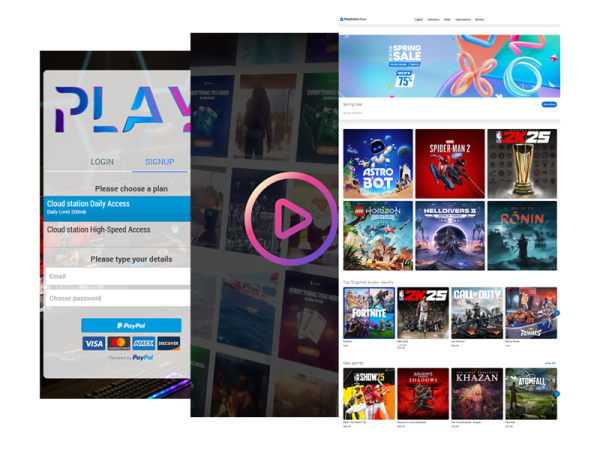
Use Users to generate prepaid access (vouchers or assigned user time), enable OTP-style logins where needed, and apply custom permissions per user or group.
Every login and session action is recorded, and sessions automatically start and deduct time or data based on the assigned plan.
All Users
View and search all existing users, check status and plan details, and review last activity at a glance.
New User
Add a single user with an email-based username, then assign an access plan and optional limits/permissions.
Create
Quick-create access users for front-desk workflows—ideal for issuing prepaid access on demand (for example, time-based or plan-based users).
Batch
Create multiple users in one action for deployments with many accounts (schools, gaming centers, libraries, coworking spaces).
Import
Upload users in bulk from a file (for faster onboarding or migrations), mapping fields like email/username, plan, and any additional attributes you use internally.
Delete
Remove users that should no longer have access, helping keep the user list clean and aligned with your current operation.