
Installation
Before installing Cafe & Kiosk, please make sure the Windows PC has stable Internet access, correct date/time ( it should be the same as on the portal), and that firewall or antivirus is not blocking the application.
Run the installer as Administrator.
To install Cafe & Kiosk, login to your account on the client PC, download the installer from the Install page and run it as administrator on your Windows PC.
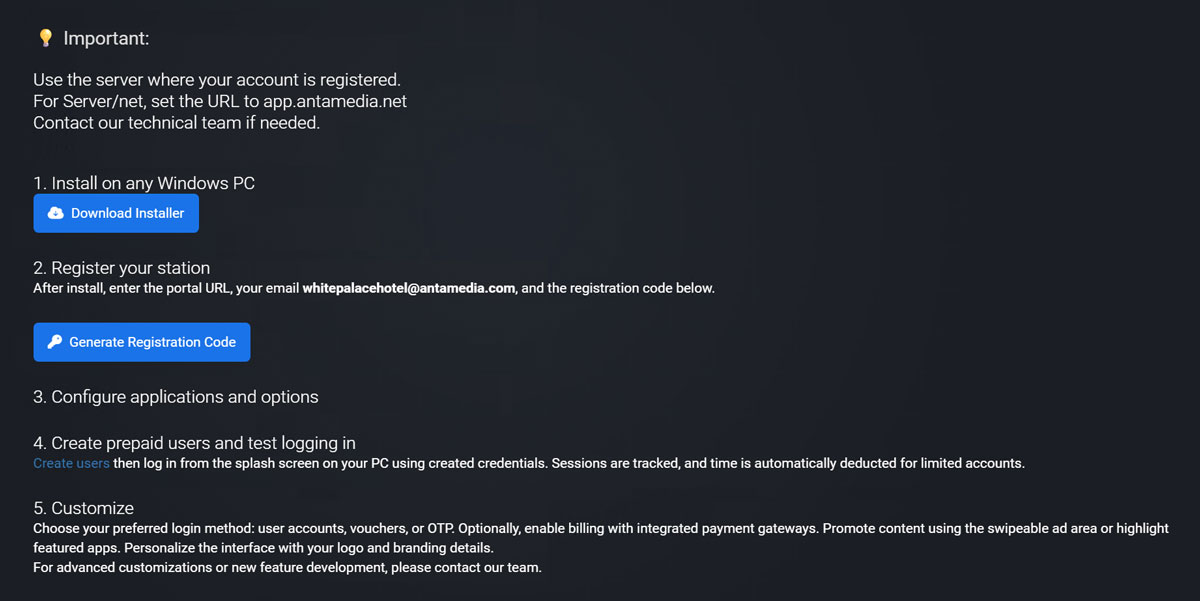
During installation, enter your Antamedia account credentials, generate register key, assign a name to the station, and choose the startup mode – either Café or Kiosk.
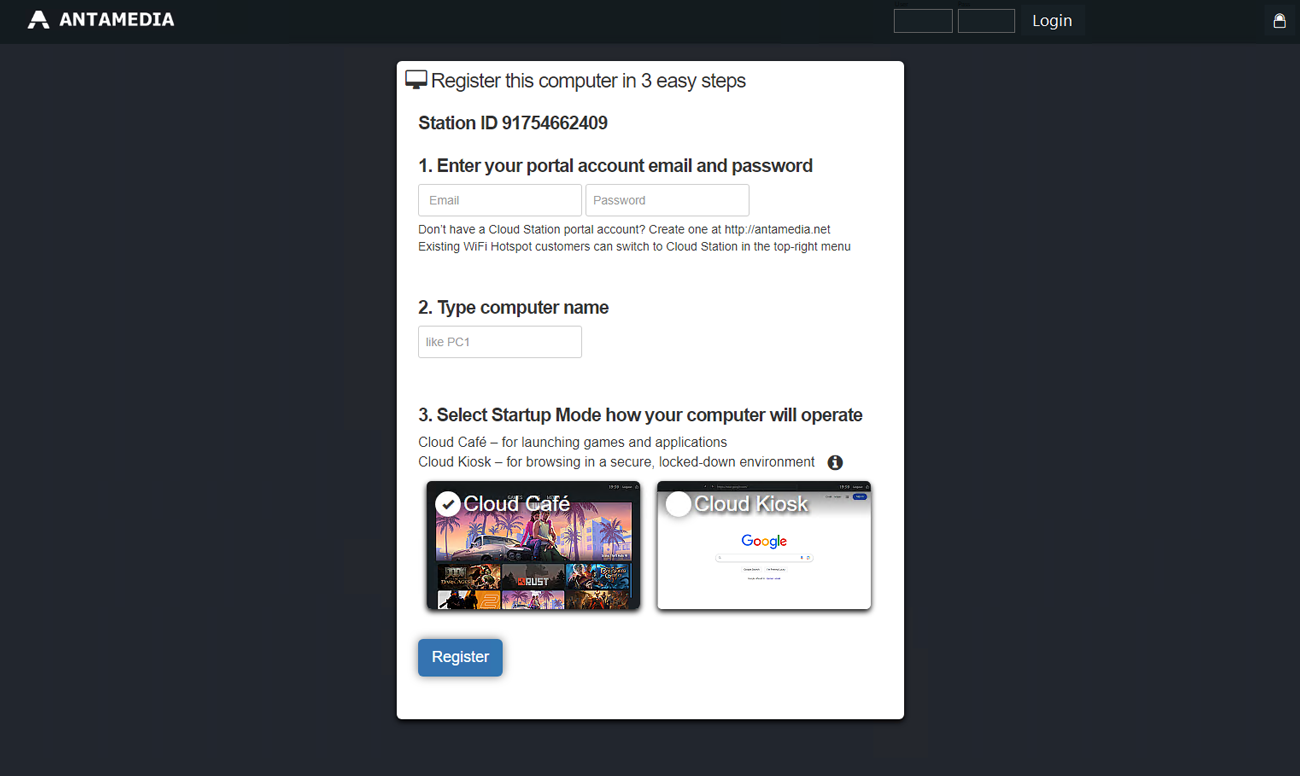
You can click “Generate Registration Code” to view your registration code.
Install Cafe & Kiosk.
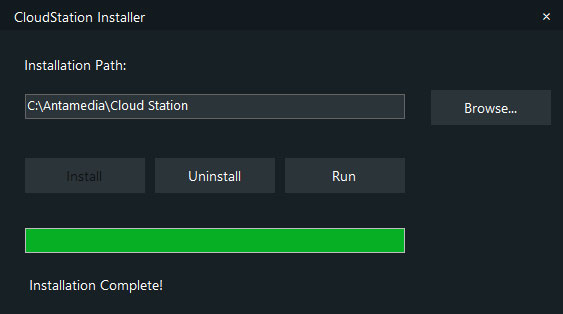
After installation, you will access the client’s local admin panel.
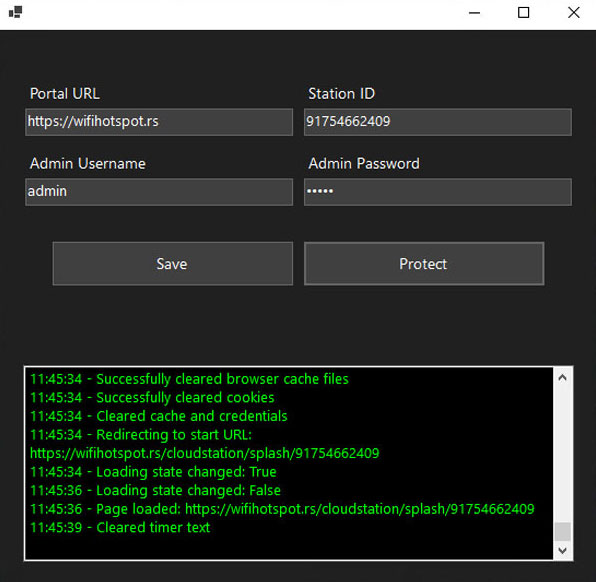
The default credentials are blank - simply click Login and you will be prompted to set a new admin username and password.
Change portal URL to your account portal URL, use the server where your account is registered.
Once registered, the station will appear on your Antamedia portal where you can begin managing it remotely.