My Account
The My Account section is where you manage your organization-level settings for the Antamedia Cloud platform, including your company profile, branding (logo, theme, whitelabel/domain), and the communication channels the platform uses to contact users (Email, SMS, WhatsApp).
It also includes reseller options when you manage multiple customer accounts under one reseller profile.
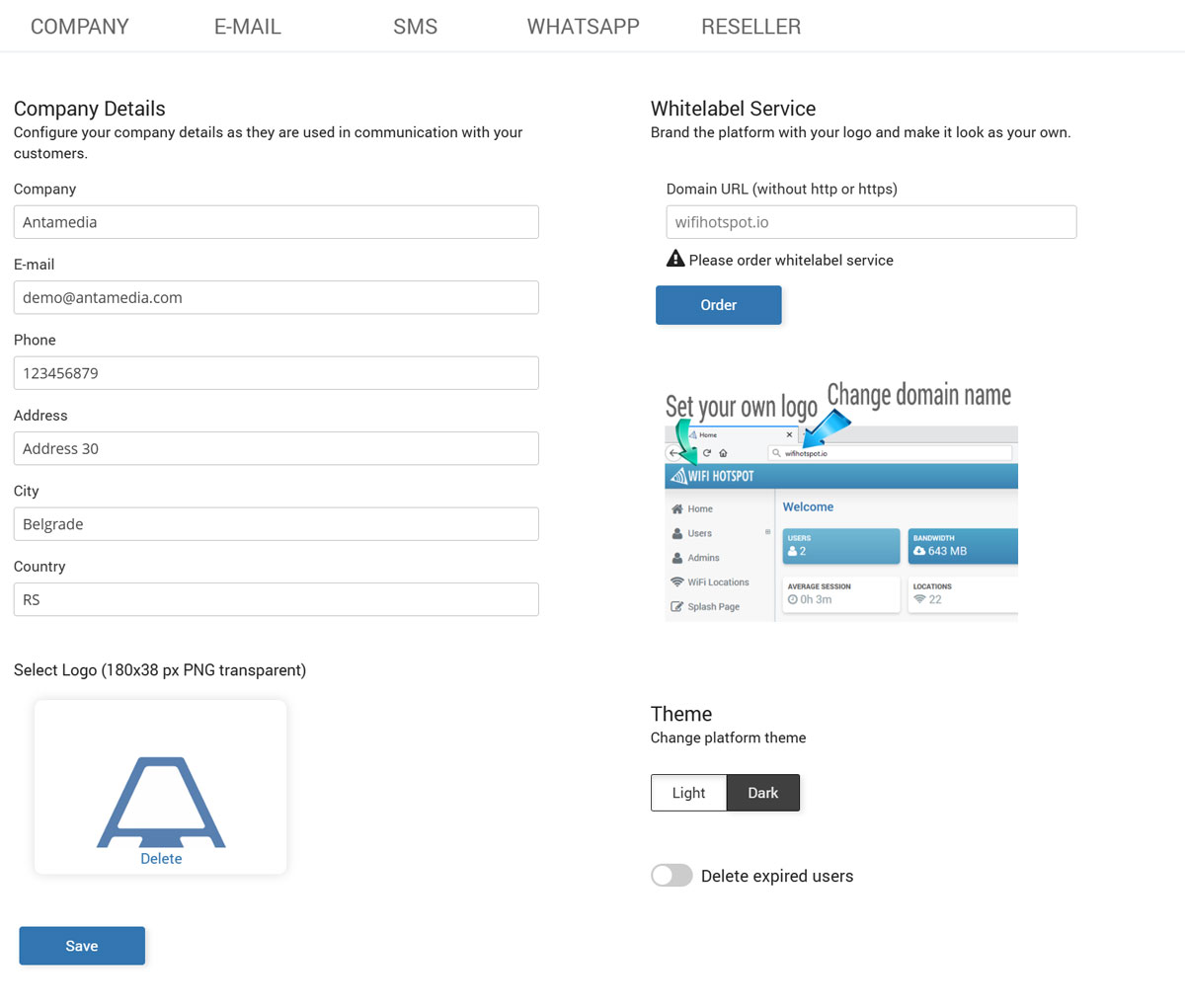
Company
Set your company details (name, email, phone, address, city, country) that appear in customer communication and receipts. This tab also includes branding options such as uploading your logo, switching the portal theme (Light/Dark), and ordering Whitelabel Service to use your own domain and logo across the platform.
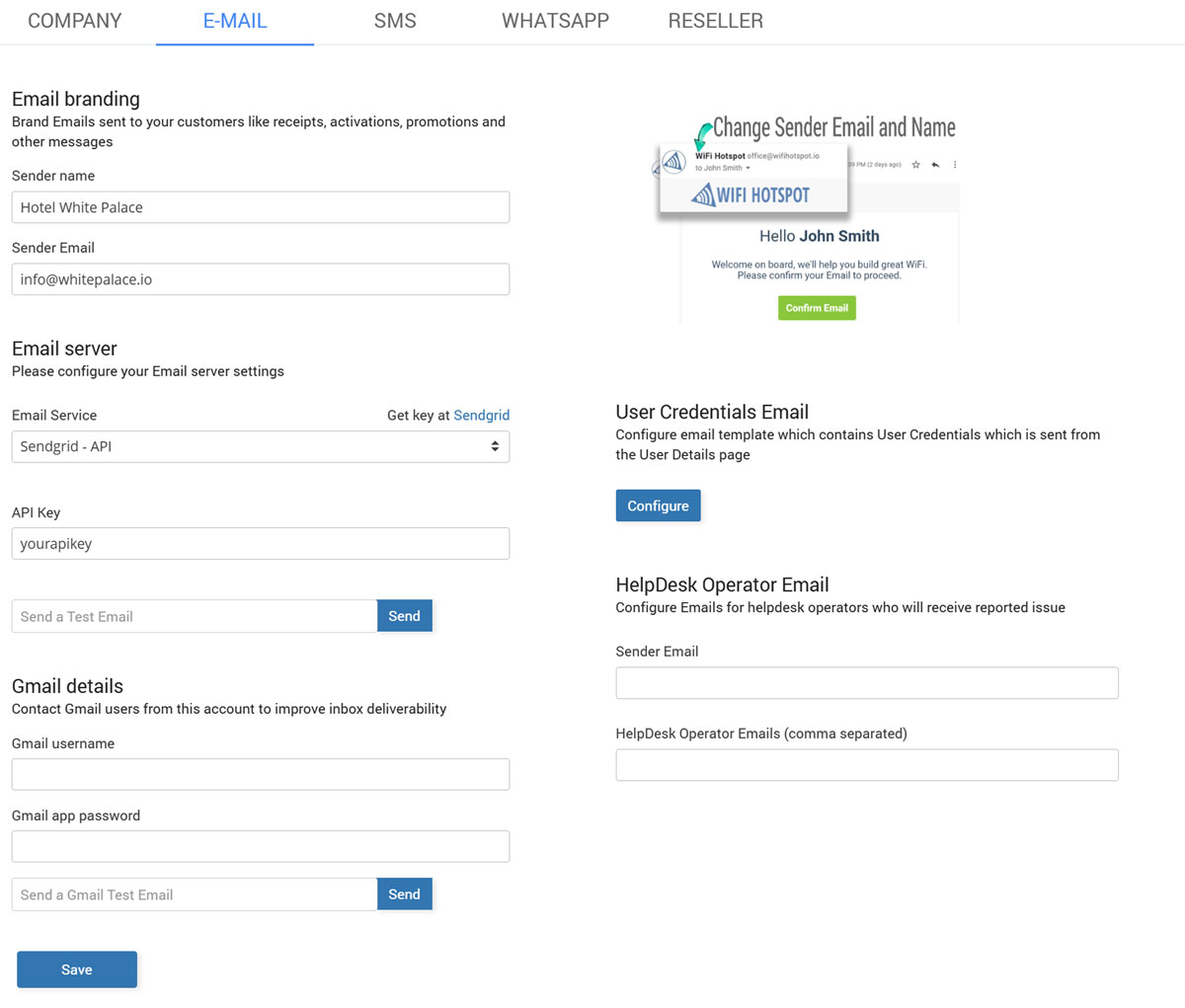
Configure how the system sends emails from your account, including sender identity and delivery settings. Use it to connect your SMTP provider and ensure campaigns, login emails, and notifications are delivered reliably.
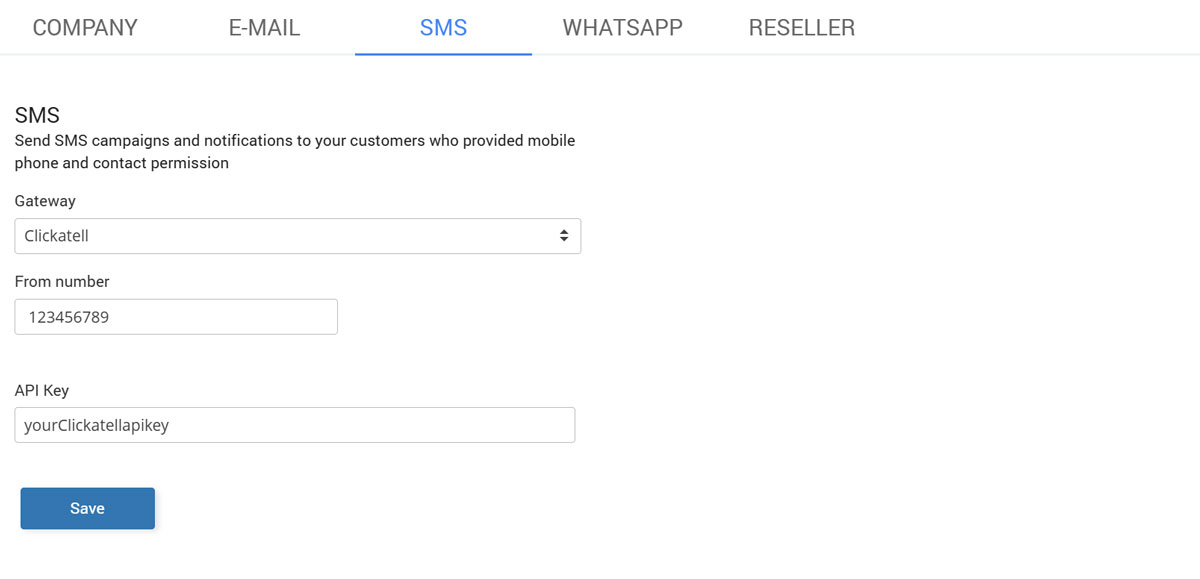
SMS
Connect your SMS provider by entering the required gateway credentials and sender settings. Once configured, the portal can send SMS messages for verification, alerts, and marketing campaigns.
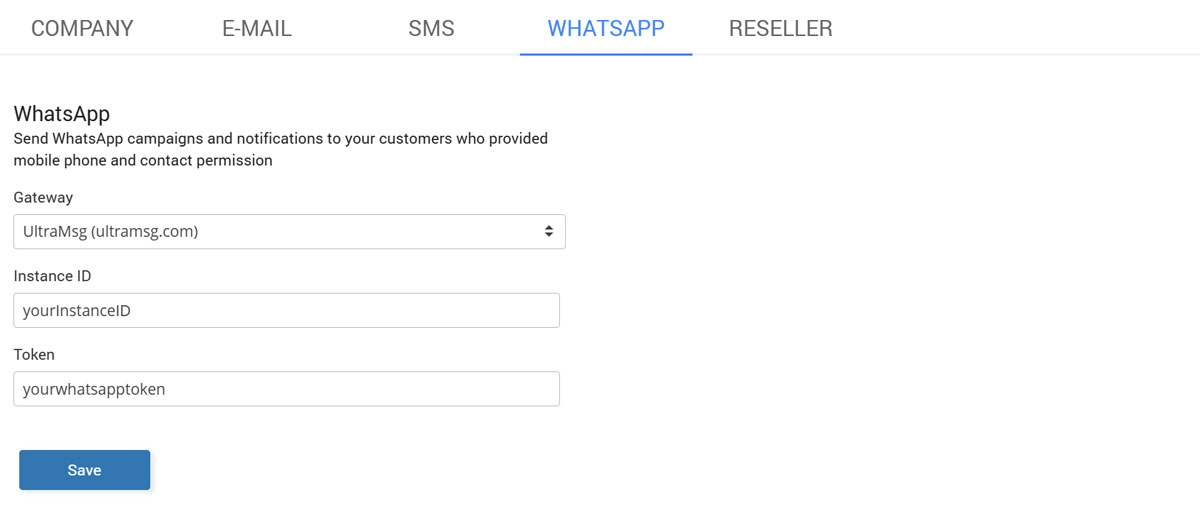
Set up your WhatsApp provider/API details to enable WhatsApp messaging from the platform. This lets you run WhatsApp campaigns and send automated messages to users who opted in.
Reseller
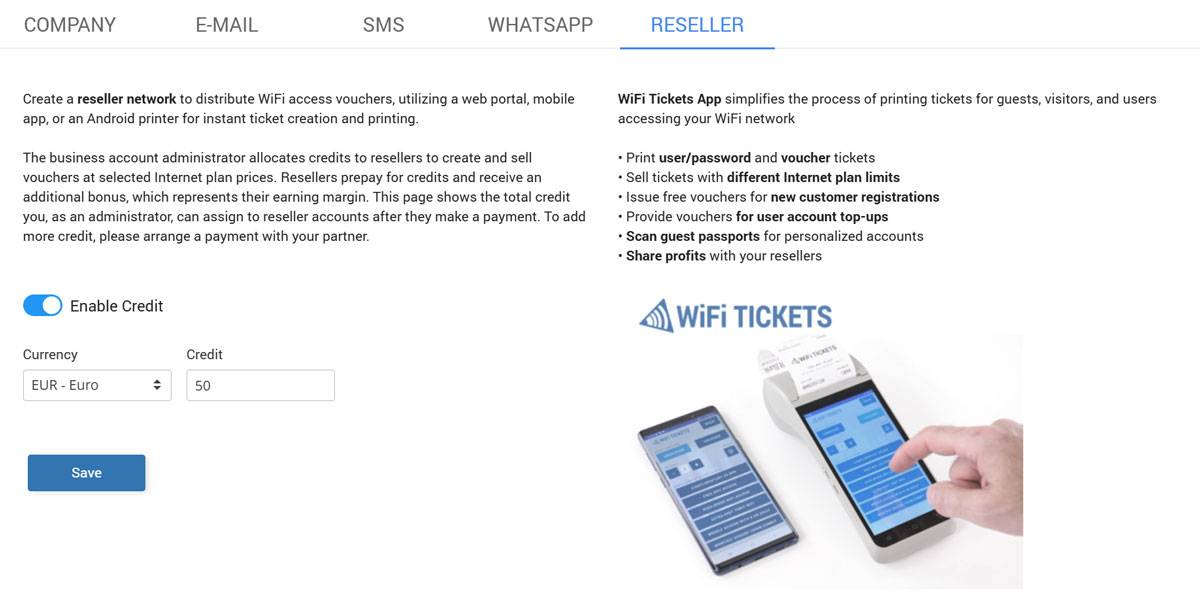
Manage reseller-level settings if you sell or deploy the platform for multiple customers. Use it to control branding, customer accounts, and reseller-related options tied to provisioning and management.